TLGX Calibration
Instructions
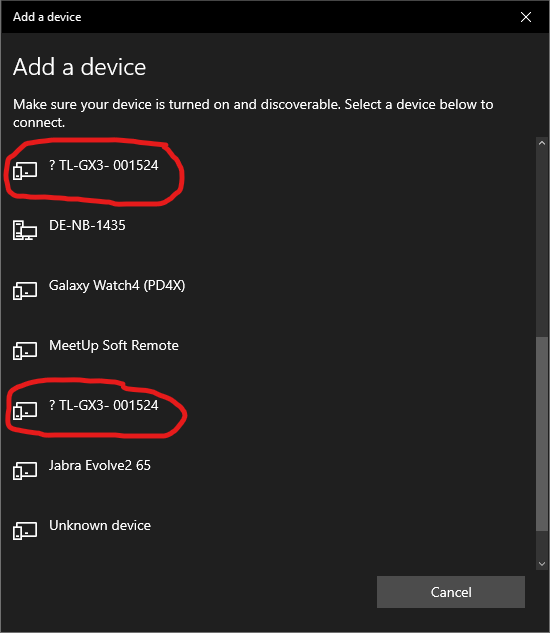
1. Pair TLGX with PC and select it (Box in upper right corner)
2. Leave Needle in idle position and push button on device
3. Measure calibration piece (=16mm)
4. Measure backside of calibration piece (=0mm)
5. Calibration done. Test measurement possible
6. Optional: Additional test measurements.
Test measurement
- Open Bluetooth Manager
Search for "bluetooth" in the start menu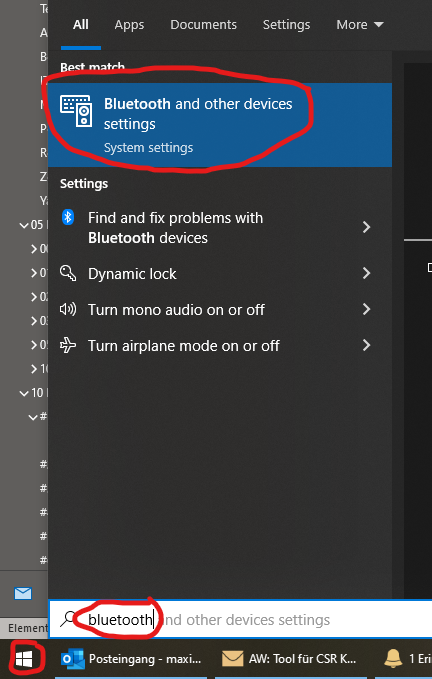
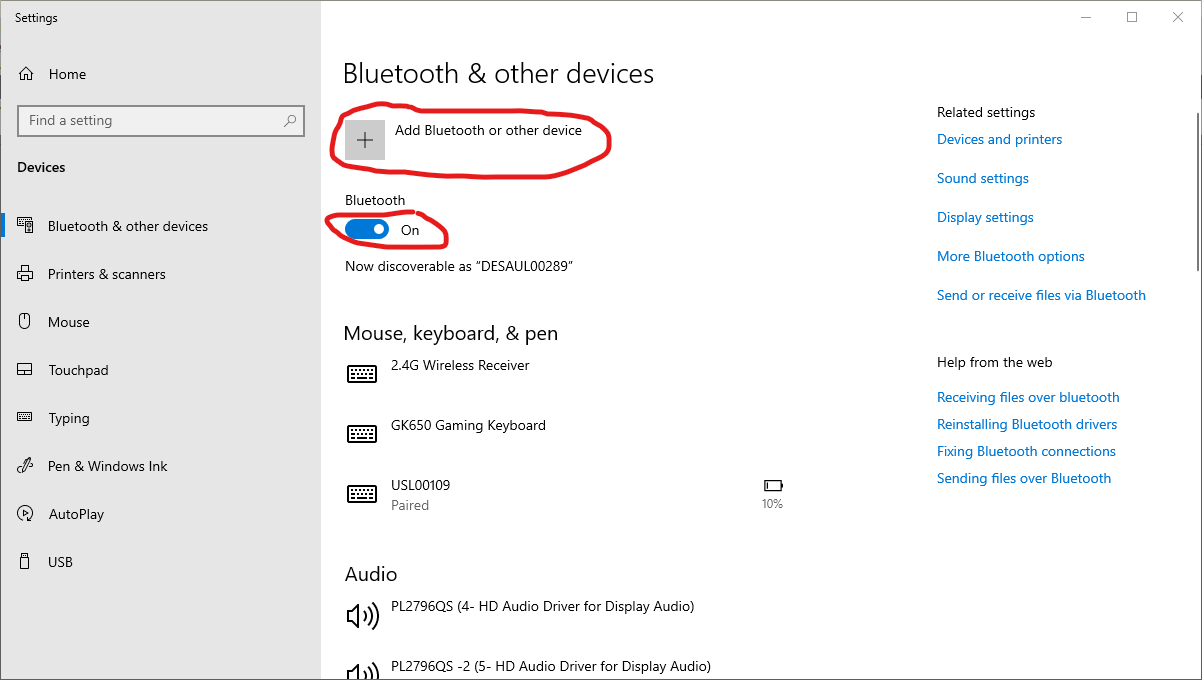
- Turn on Bluetooth and add new device
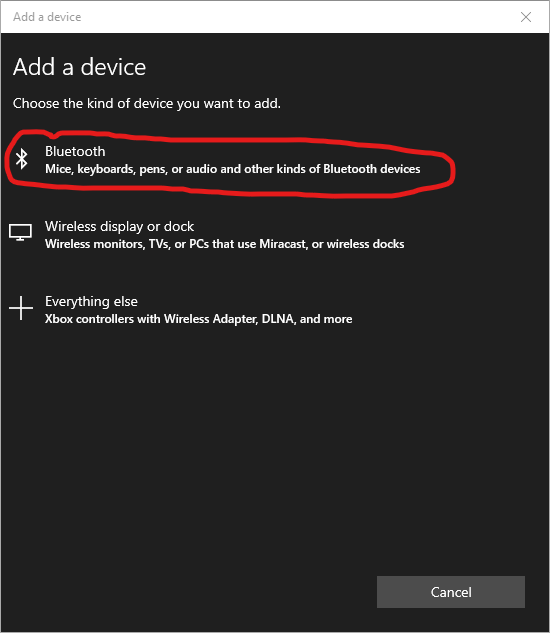
- Select "Bluetooth" from the list
- Select the TLGX
If there are more than one device with the same id in the list, repeat the steps for both devices